Workflow
Home
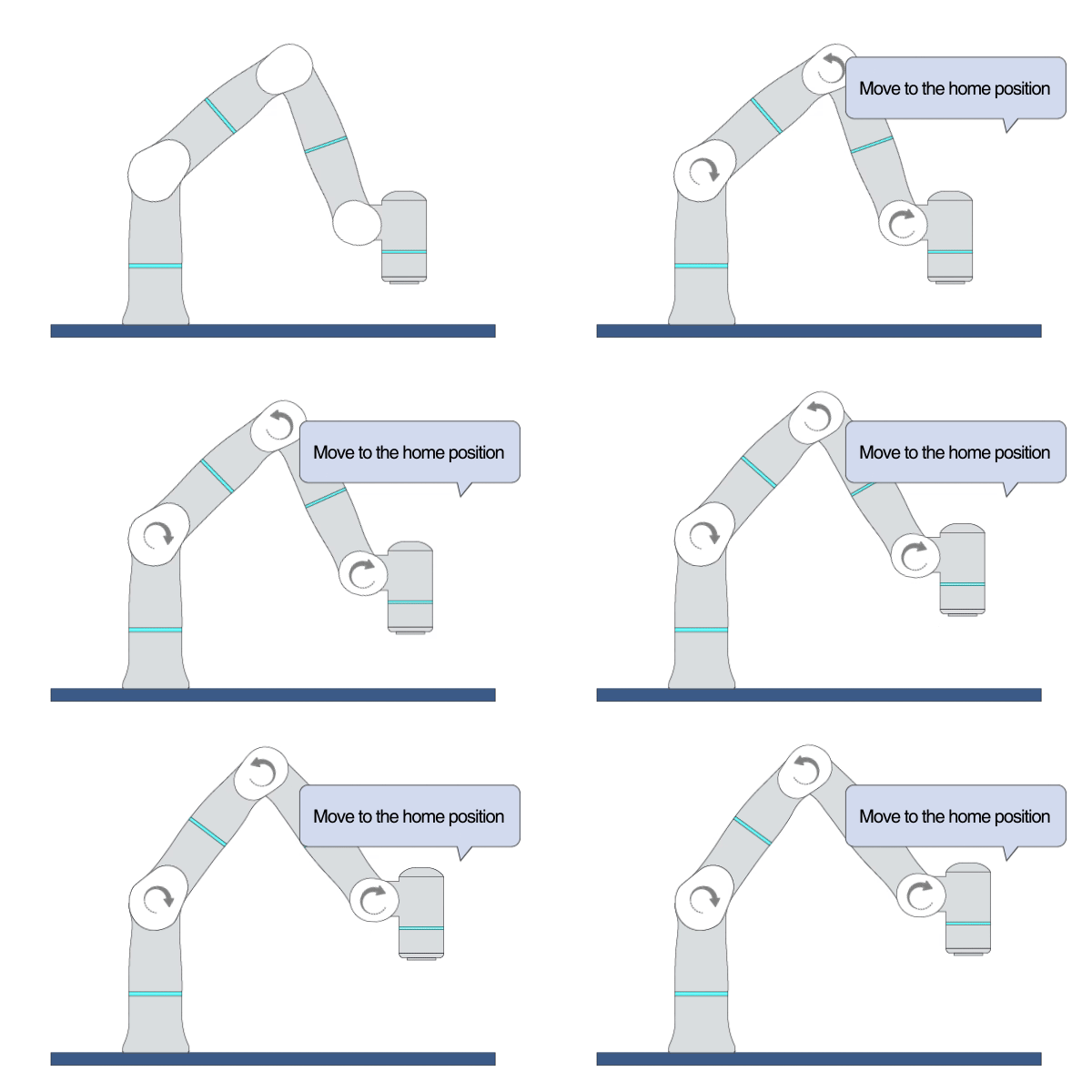
Primitive Description and Usage
Description: This primitive moves the robot to the default home position by joint movement.
Example Usage: Use this primitive to reset the robot’s pose at the initial setup, to reset the robot’s pose at the end of a plan, or to reset the robot’s pose after recovering from some faults.
Primitive Input Parameters
Input Parameter |
Description |
Type |
Unit |
Default Value & Range |
|---|---|---|---|---|
target |
Target joint position |
JPOS |
deg |
0.0 -40.0 0.0 90.0 0.0 40.0 0.0 0.0 0.0 0.0 0.0 0.0 0.0 |
jntVelScale |
Robot joint velocity scale. The robot joints will move at full speed when this value is set to 100. |
INT |
none |
20 ∈ [1 … 100] |
jntAccMultiplier |
The actual joint acceleration is equal to the reference joint acceleration multiplied by this parameter. The larger the value of this parameter, the larger the value of the actual joint acceleration. |
DOUBLE |
none |
1.0 ∈ [1.0 … 4.0] |
*Robot Joint Position Description
The complete description of a joint waypoint (JPOS) is: A1 A2 A3 A4 A5 A6 A7 E1 E2 E3 E4 E5 E6. A1 to A7 are the joint positions of the robot; X1 to X6 are the positions of external axes. You can only set the robot joint positions if external axes do not exist. For example: {jnt_def_1}.
Add “:” to separate the waypoints. For example: {jnt_def_2}.
Primitive State Parameters
State Parameter |
Description |
Type |
Unit |
|---|---|---|---|
terminated |
Flag to indicate whether the primitive is terminated. It is set to TRUE if the primitive is terminated. |
BOOL |
none |
timePeriod |
The time spent on running the current primitive. |
DOUBLE |
s |
reachedTarget |
Flag to indicate whether the robot has reached the target |
BOOL |
none |
Primitive Output Parameters
Output Parameter |
Description |
Type |
Unit |
|---|---|---|---|
tcpPoseOut |
The TCP pose when the primitive is terminated. It is represented in the world coordinate system. |
COORD |
m-deg |
Default Transition Condition
State Parameter |
Condition |
Value |
|---|---|---|
reachedTarget |
= |
1 |

Hold
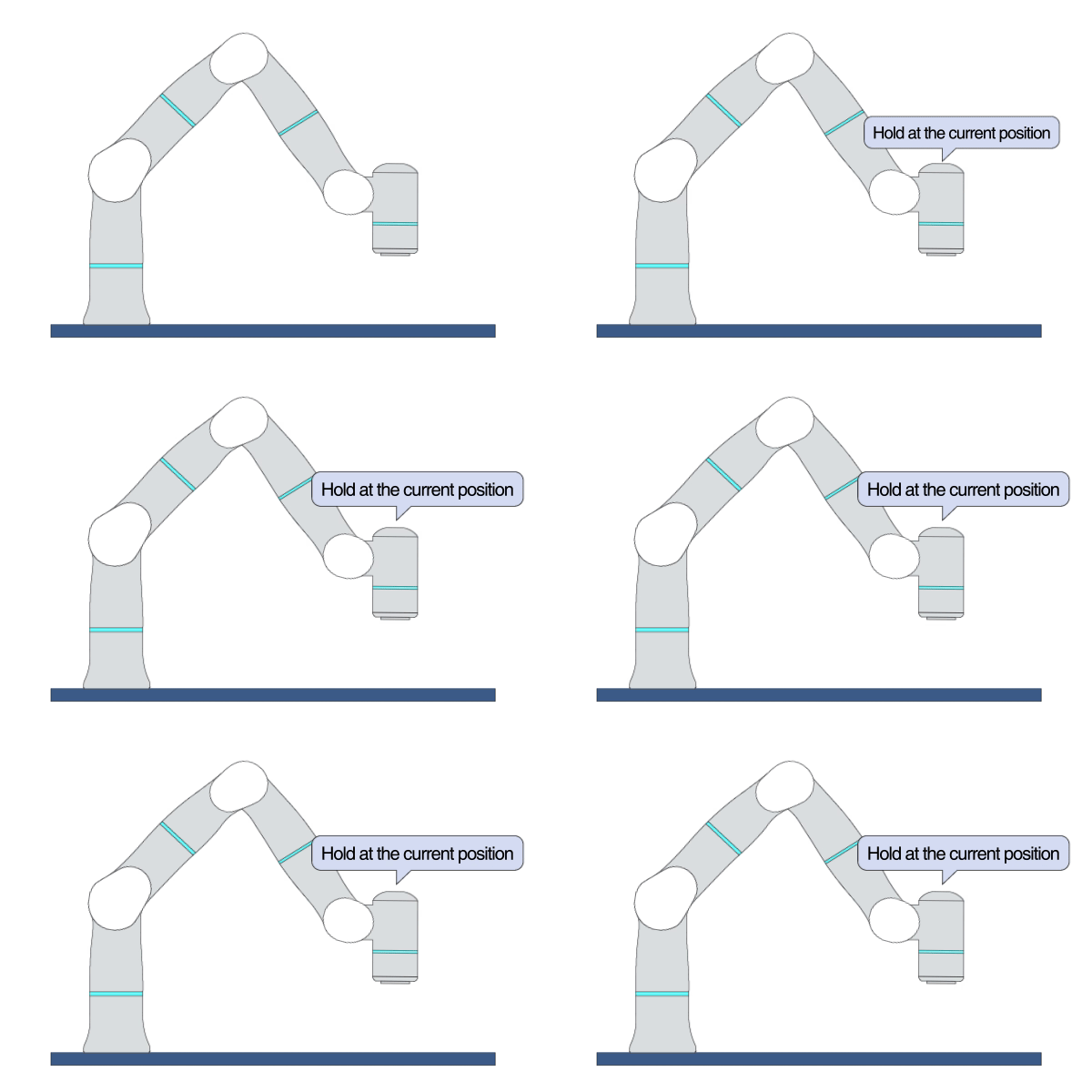
Primitive Description and Usage
Description: This primitive holds the robot at its current position.
Example Usage: Use this primitive to put the robot on standby.
Primitive State Parameters
State Parameter |
Description |
Type |
Unit |
|---|---|---|---|
terminated |
Flag to indicate whether the primitive is terminated. It is set to TRUE if the primitive is terminated. |
BOOL |
none |
timePeriod |
The time spent on running the current primitive. |
DOUBLE |
s |
Primitive Output Parameters
Output Parameter |
Description |
Type |
Unit |
|---|---|---|---|
tcpPoseOut |
The TCP pose when the primitive is terminated. It is represented in the world coordinate system. |
COORD |
m-deg |
Default Transition Condition
State Parameter |
Condition |
Value |
|---|---|---|
timePeriod |
> |
1.0 |
Subplan
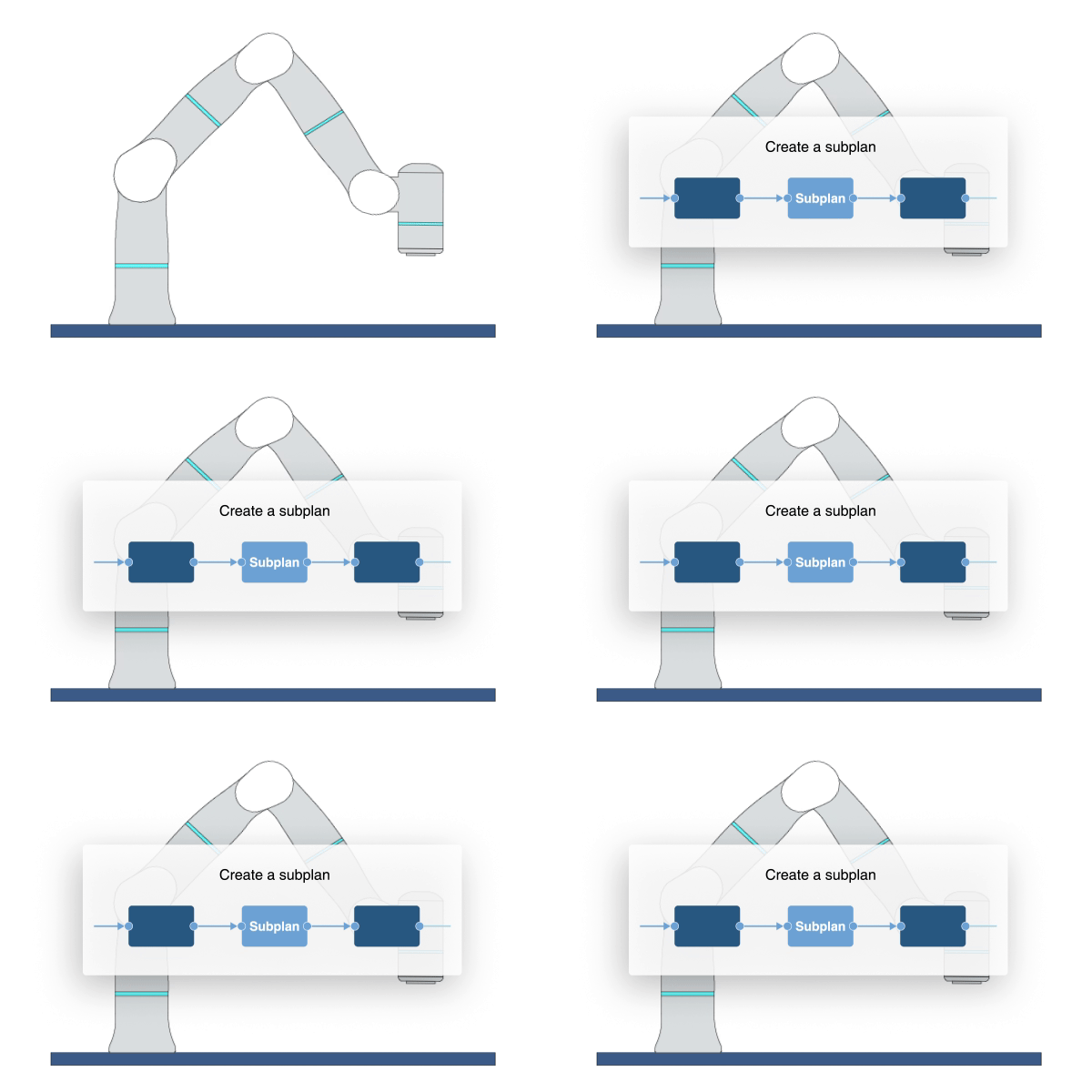
Primitive Description and Usage
Description: This primitive creates an empty subplan, allowing you to implement customized workflow between nodes.
Example Usage: Use this primitive to create a subplan for more advanced workflow control.
Primitive Input Parameters
Input Parameter |
Description |
Type |
Unit |
Default Value & Range |
|---|---|---|---|---|
targetLoopCnt |
The target loop count of subplan execution. 0 means that the subplan will be skipped. |
INT |
none |
1 ∈ [0 … ] |
enableForceLimit |
Enable force limit check. The system triggers software fault if the robot reached the specified TCP force limit. |
BOOL |
none |
0 ∈ [0 / 1] |
forceLimit |
Maximum TCP force limit for the current subplan and its subplans. |
DOUBLE |
N |
500 ∈ [0 … 500] |
enableJntTrqLimit |
Enable joint torque limit check. The system triggers software fault if the robot’s joint torque reaches the set limit. |
BOOL |
none |
0 ∈ [0 / 1] |
jntTrqLimit |
Joint torque limit for the current subplan and its subplans. |
VEC_7d |
Nm |
200 200 200 200 200 200 200 ∈ [0 0 0 0 0 0 0 … 200 200 200 200 200 200 200] |
Primitive State Parameters
State Parameter |
Description |
Type |
Unit |
|---|---|---|---|
terminated |
Flag to indicate whether the primitive is terminated. It is set to TRUE if the primitive is terminated. |
BOOL |
none |
timePeriod |
The time spent on running the current primitive. |
DOUBLE |
s |
loopCnt |
The loop count of subplan execution. This value increments by 1 each time the subplan runs to the start node. |
INT |
none |
Primitive Output Parameters
Output Parameter |
Description |
Type |
Unit |
|---|---|---|---|
tcpPoseOut |
The TCP pose when the primitive is terminated. It is represented in the world coordinate system. |
COORD |
m-deg |
Default Transition Condition
State Parameter |
Condition |
Value |
|---|---|---|
terminated |
= |
1 |
GoTo
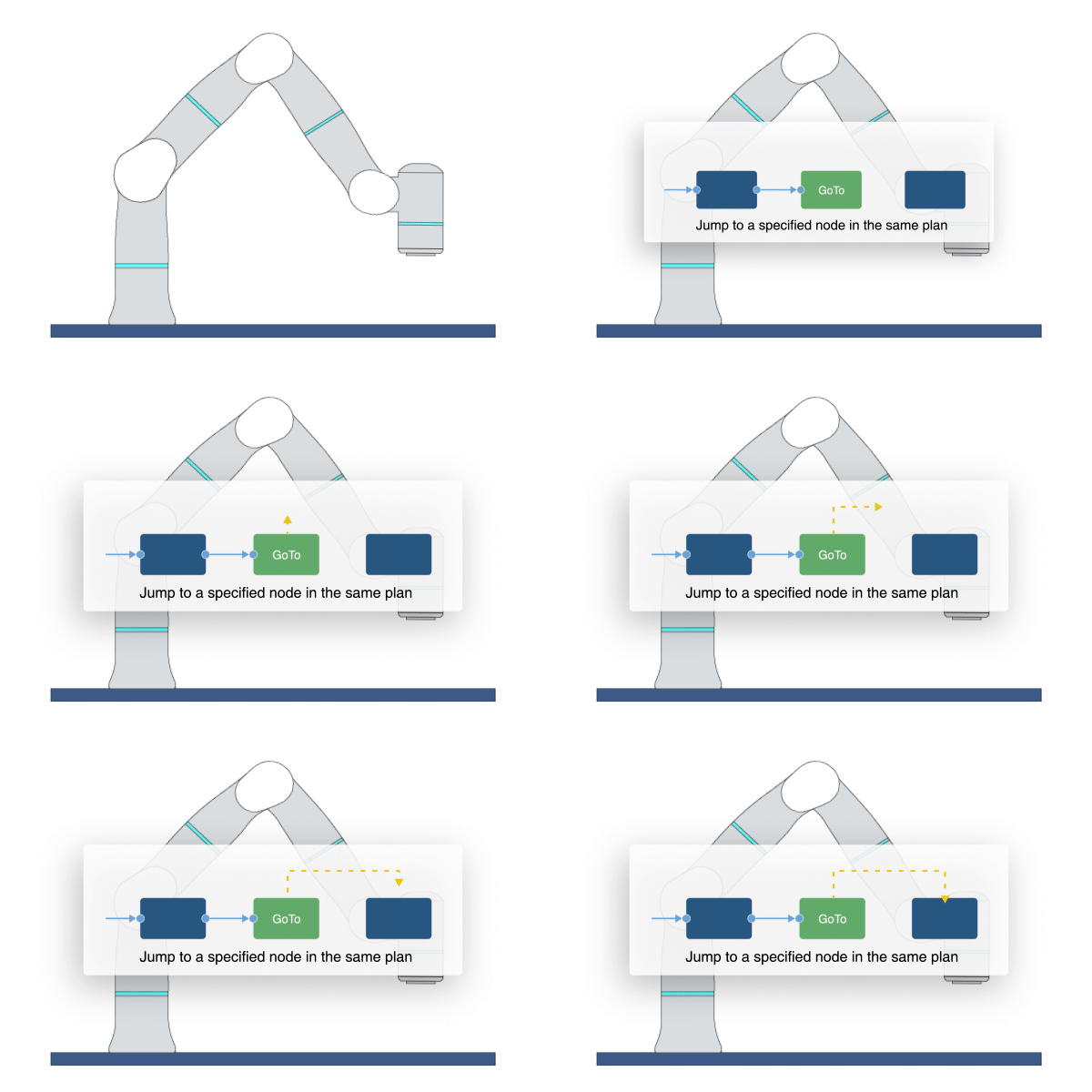
Primitive Description and Usage
Description: This primitive directly jumps to a specified node in the same plan. You must specify the target node name in the input parameter.
Example Usage: Use this primitive to jump to other nodes in a plan, especially if the target node is far away from the current node on the UI and is difficult to view through a wired connection.
Primitive Input Parameters
Input Parameter |
Description |
Type |
Unit |
Default Value & Range |
|---|---|---|---|---|
nodeName* |
Name of the node that will be redirected to in the plan |
STRING |
none |
*Parameters marked with an asterisk must be assigned a value prior to executing the primitive.
Primitive State Parameters
State Parameter |
Description |
Type |
Unit |
|---|---|---|---|
terminated |
Flag to indicate whether the primitive is terminated. It is set to TRUE if the primitive is terminated. |
BOOL |
none |
timePeriod |
The time spent on running the current primitive. |
DOUBLE |
s |
Primitive Output Parameters
Output Parameter |
Description |
Type |
Unit |
|---|---|---|---|
tcpPoseOut |
The TCP pose when the primitive is terminated. It is represented in the world coordinate system. |
COORD |
m-deg |
Fault
Primitive Description and Usage
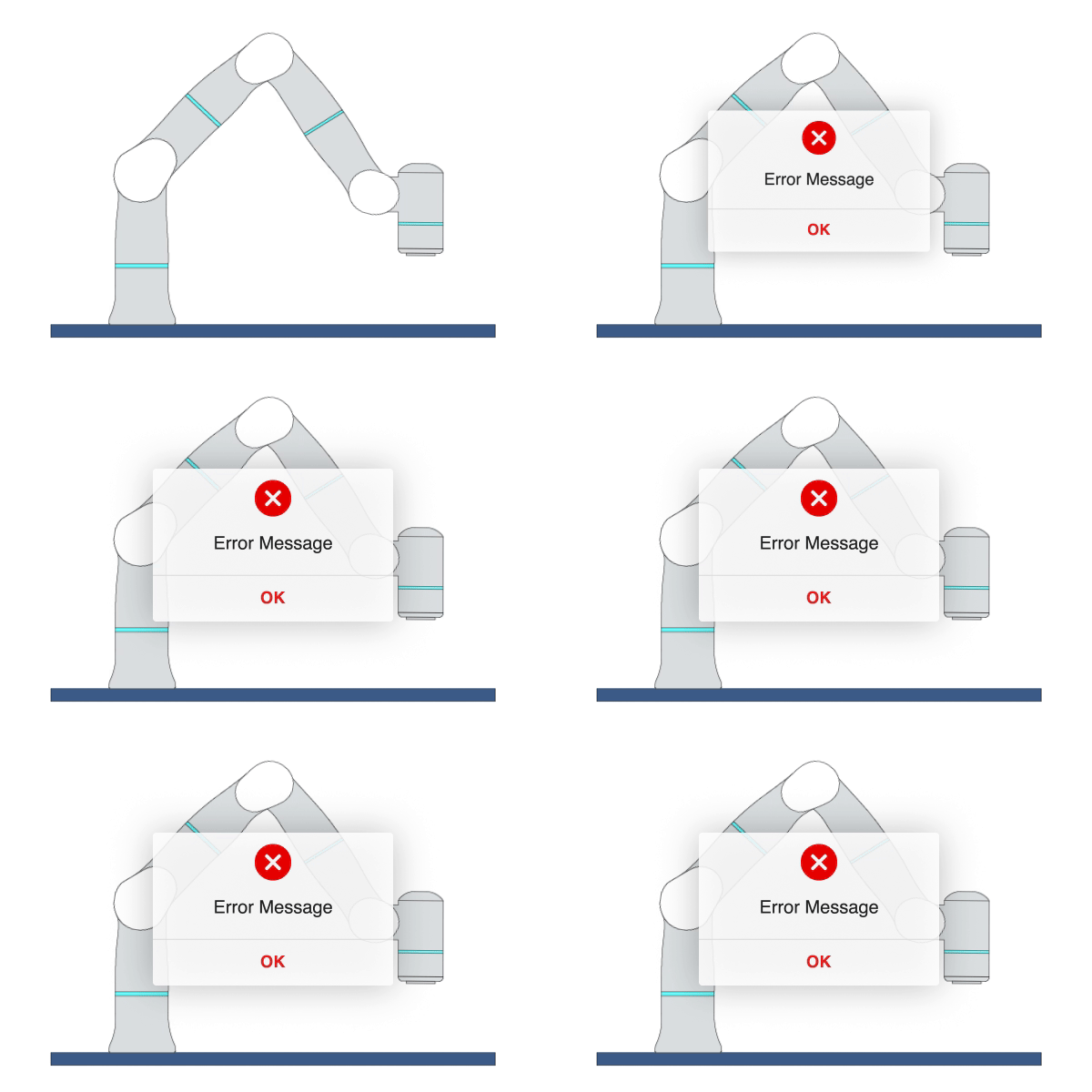
Description: This primitive triggers software fault and displays customized error messages on the UI.
Example Usage: Use this primitive to intentionally trigger software faults during project execution to control the workflow. You can connect any primitive to this primitive and specify force or velocity limit as the transition condition. Once the force or velocity limit is triggered, the system will trigger software fault and stop the project execution.
Primitive Input Parameters
Input Parameter |
Description |
Type |
Unit |
Default Value & Range |
|---|---|---|---|---|
errorMessage |
User-defined error message |
MSG |
none |
A fault is triggered. |
Primitive State Parameters
State Parameter |
Description |
Type |
Unit |
|---|---|---|---|
terminated |
Flag to indicate whether the primitive is terminated. It is set to TRUE if the primitive is terminated. |
BOOL |
none |
timePeriod |
The time spent on running the current primitive. |
DOUBLE |
s |
Primitive Output Parameters
Output Parameter |
Description |
Type |
Unit |
|---|---|---|---|
tcpPoseOut |
The TCP pose when the primitive is terminated. It is represented in the world coordinate system. |
COORD |
m-deg |
Stop
Primitive Description and Usage
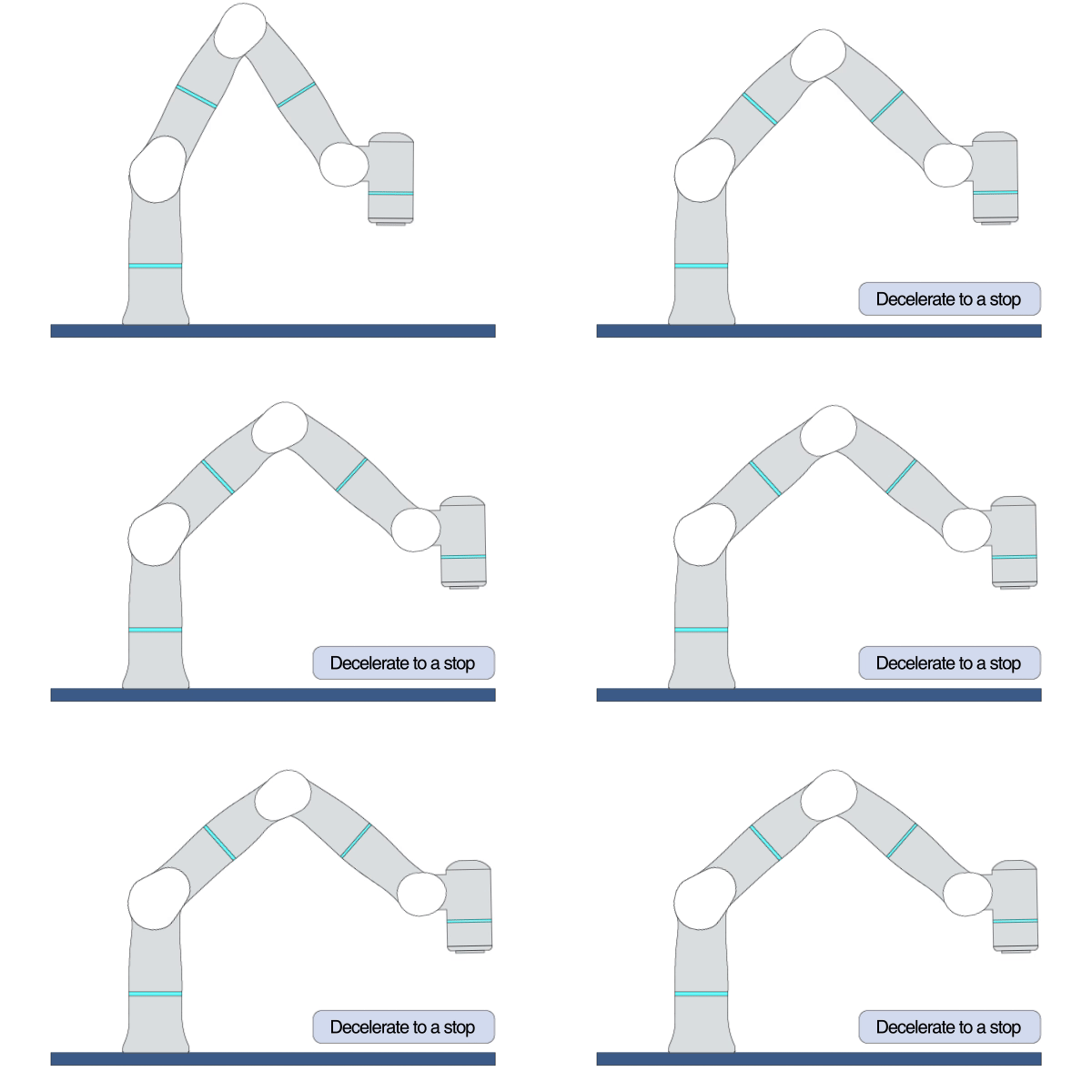
Description: This primitive decelerates the robot to a stop within a certain time period if any other primitive is terminated but the robot is still moving. If a primitive in the Motion category (e.g. MoveJ, MoveL) jumps to Stop, the robot will stop along the desired trajectory; for the primitives in other categories, the robot may deviate from the desired trajectory. The difference between Stop and Hold: When the robot is moving, Stop decelerates the robot to a stop without triggering fault; Hold directly holds the robot in its current position but may trigger fault.
Example Usage: Use this primitive when the robot is still moving but you want to bring the robot to a stop (e.g. when an I/O signal is triggered) before executing the next task.
Primitive State Parameters
State Parameter |
Description |
Type |
Unit |
|---|---|---|---|
terminated |
Flag to indicate whether the primitive is terminated. It is set to TRUE if the primitive is terminated. |
BOOL |
none |
timePeriod |
The time spent on running the current primitive. |
DOUBLE |
s |
Primitive Output Parameters
Output Parameter |
Description |
Type |
Unit |
|---|---|---|---|
tcpPoseOut |
The TCP pose when the primitive is terminated. It is represented in the world coordinate system. |
COORD |
m-deg |
Default Transition Condition
State Parameter |
Condition |
Value |
|---|---|---|
terminated |
= |
1 |
End
Primitive Description and Usage
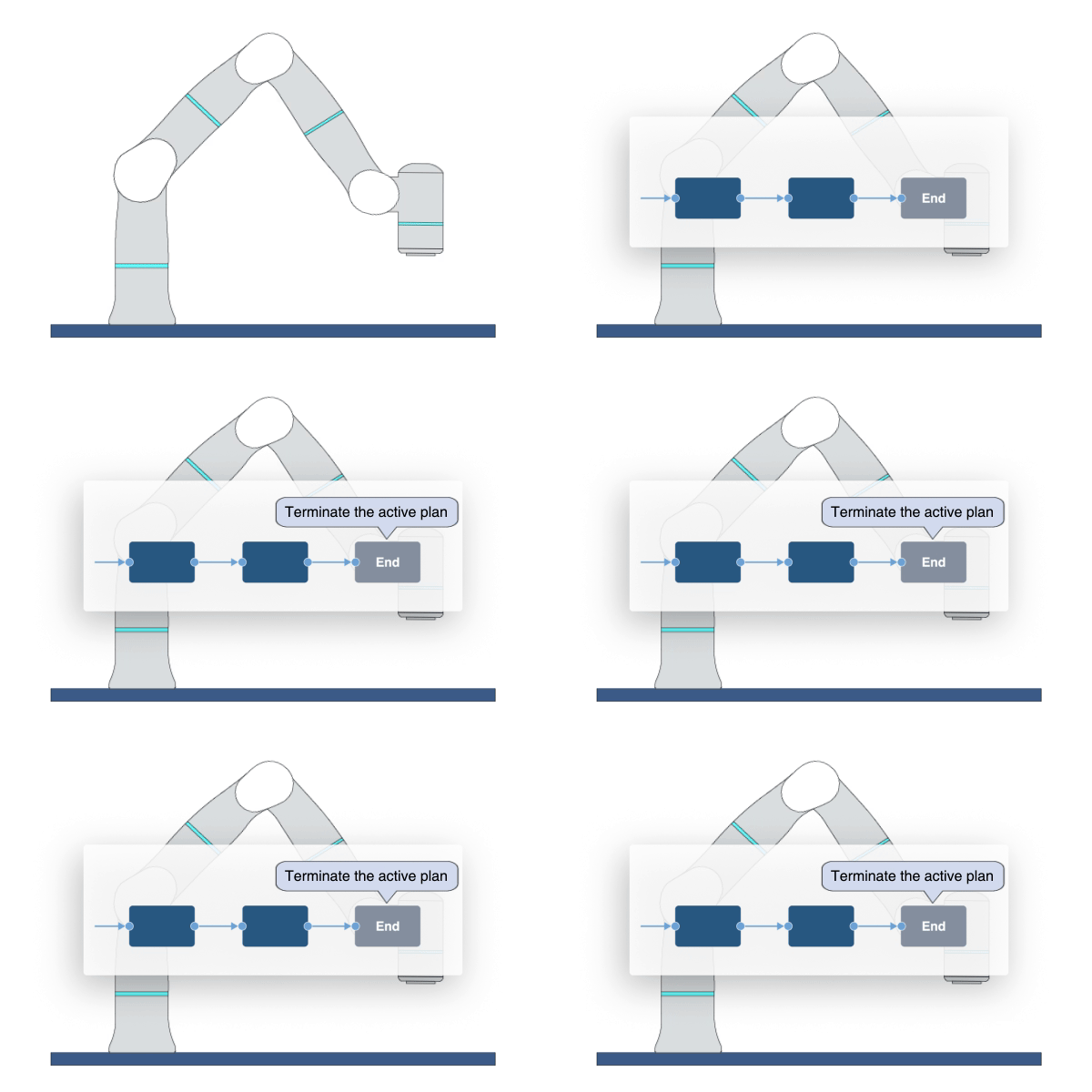
Description: When the robot reaches this primitive, it immediately terminates the active plan and returns to its parent plan. If there is no parent plan, the assigned project will be terminated.
Example Usage: Use this primitive at the end of the main plan or subplan.
Primitive State Parameters
State Parameter |
Description |
Type |
Unit |
|---|---|---|---|
terminated |
Flag to indicate whether the primitive is terminated. It is set to TRUE if the primitive is terminated. |
BOOL |
none |
timePeriod |
The time spent on running the current primitive. |
DOUBLE |
s |
Primitive Output Parameters
Output Parameter |
Description |
Type |
Unit |
|---|---|---|---|
tcpPoseOut |
The TCP pose when the primitive is terminated. It is represented in the world coordinate system. |
COORD |
m-deg |