Synchronization
SyncStart
Primitive Description and Usage
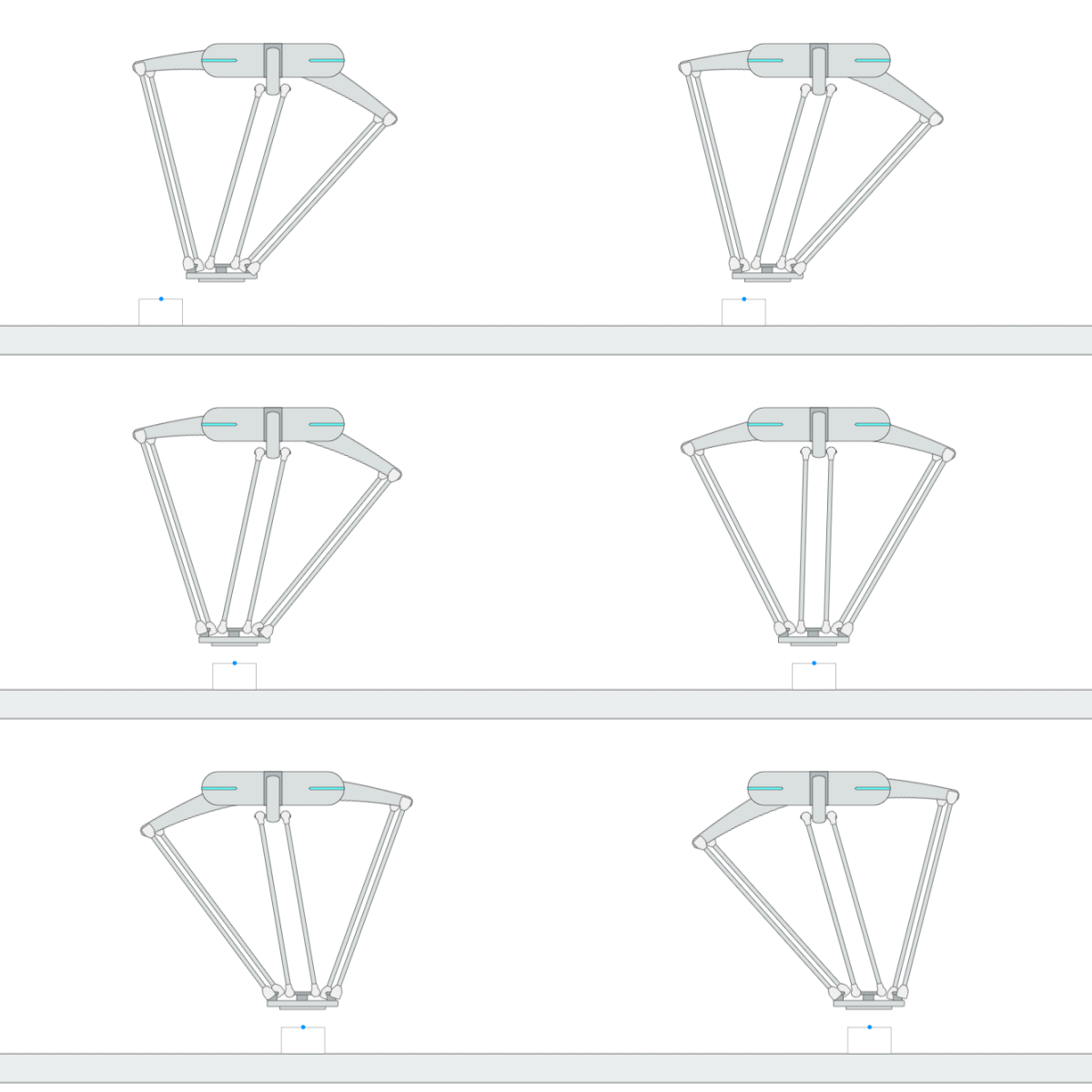
Description: This primitive starts the sync motion of the robot. When the project runs this primitive, the robot will wait until the workpiece reaches the sync start position to begin synchronized motion with the workpiece.
Example Usage: This primitive is used to synchronize the robot’s motion with that of the workpiece in applications that use mechanical handling equipment to move materials or objects from one point to another such as a conveyor. It must be used together with primitive [SyncEnd].
Primitive Input Parameters
Input Parameter |
Description |
Type |
Unit |
Default Value & Range |
|---|---|---|---|---|
syncDevice* |
Device with which the robot maintains synchronized motion |
TYPE |
none |
[Conveyor-SerialPort-1 Conveyor-SerialPort-2 Conveyor-SerialPort-3 Conveyor-RemoteHost-1 Conveyor-RemoteHost-2 Conveyor-RemoteHost-3 Conveyor-VisionTrack-1 Conveyor-VisionTrack-2 Conveyor-VisionTrack-3] |
teachCoord* |
Reference coordinate system for teaching the synchronization trajectory. Click RECORD to save the position of the first workpiece in the current queue relative to the origin of the conveyor coordinate system. |
COORD |
m-deg |
[world*] |
trackVel |
The robot tracks the workpiece at this speed until its motion is synchronized with that of the workpiece. Note: Setting this value too low may cause the robot to fail to synchronize with the workpiece. |
DOUBLE |
m/s |
1.0 ∈ [0.1 … 2.2] |
trackAcc |
The robot’s acceleration while tracking workpieces. |
DOUBLE |
m/s^2 |
3.0 ∈ [0.1 … 3.0] |
*Parameters marked with an asterisk must be assigned a value prior to executing the primitive.
*Coordinate System Definition
Coordinate |
Definition |
Value Format |
|---|---|---|
world |
WORLD coordinate system, which is a fixed Cartesian coordinate system located at the center of the robot base |
X Y Z Rx Ry Rz WORLD WORLD_ORIGIN |
work |
WORK coordinate system, which defines the position of the workpiece relative to the WORLD coordinate system |
X Y Z Rx Ry Rz WORK WorkCoordName |
tcp |
TCP coordinate system, which is located at the Tool Center Point relative to the center of robot flange |
X Y Z Rx Ry Rz TCP ONLINE |
tcp_start |
The fixed coordinate system which is located at the initial TCP pose of the primitive |
X Y Z Rx Ry Rz TCP START |
traj_start |
The offset of a waypoint relative to the initial TCP pose in the TCP coordinate system |
X Y Z Rx Ry Rz TRAJ START |
traj_goal |
The offset of a waypoint relative to the target TCP pose in the TCP coordinate system |
X Y Z Rx Ry Rz TRAJ GOAL |
traj_prev |
The offset of a waypoint relative to the previous waypoint in the TCP coordinate system |
X Y Z Rx Ry Rz TRAJ PREVIOUSWAYPOINT |
You can use the simplified value format above to describe a waypoint, while the complete description of a Cartesian waypoint is: X Y Z Rx Ry Rz ReferenceCoordinate A1 A2 A3 A4 A5 A6 A7 E1 E2 E3 E4 E5 E6. A1 to A7 are the preferred joint positions of the robot; E1 to E6 are the target positions of external axes. The additional data can be added if necessary.
Add “:” to separate the waypoints. For example: 0.2 0 0.3 0 180 0 WORLD WORLD_ORIGIN : 0.2 0.1 0.3 0 180 0 WORLD WORLD_ORIGIN.
Primitive State Parameters
State Parameter |
Description |
Type |
Unit |
|---|---|---|---|
terminated |
Flag to indicate whether the primitive is terminated. It is set to TRUE if the primitive is terminated. |
BOOL |
none |
timePeriod |
The time spent on running the current primitive. |
DOUBLE |
s |
workpieceDetected |
Flag to indicate whether the workpiece has been detected |
BOOL |
none |
workpieceType |
The type of the detected workpiece |
INT |
none |
Primitive Output Parameters
Output Parameter |
Description |
Type |
Unit |
|---|---|---|---|
tcpPoseOut |
The TCP pose when the primitive is terminated. It is represented in the world coordinate system. |
COORD |
m-deg |
Default Transition Condition
State Parameter |
Condition |
Value |
|---|---|---|
workpieceDetected |
= |
1 |

SyncEnd
Primitive Description and Usage
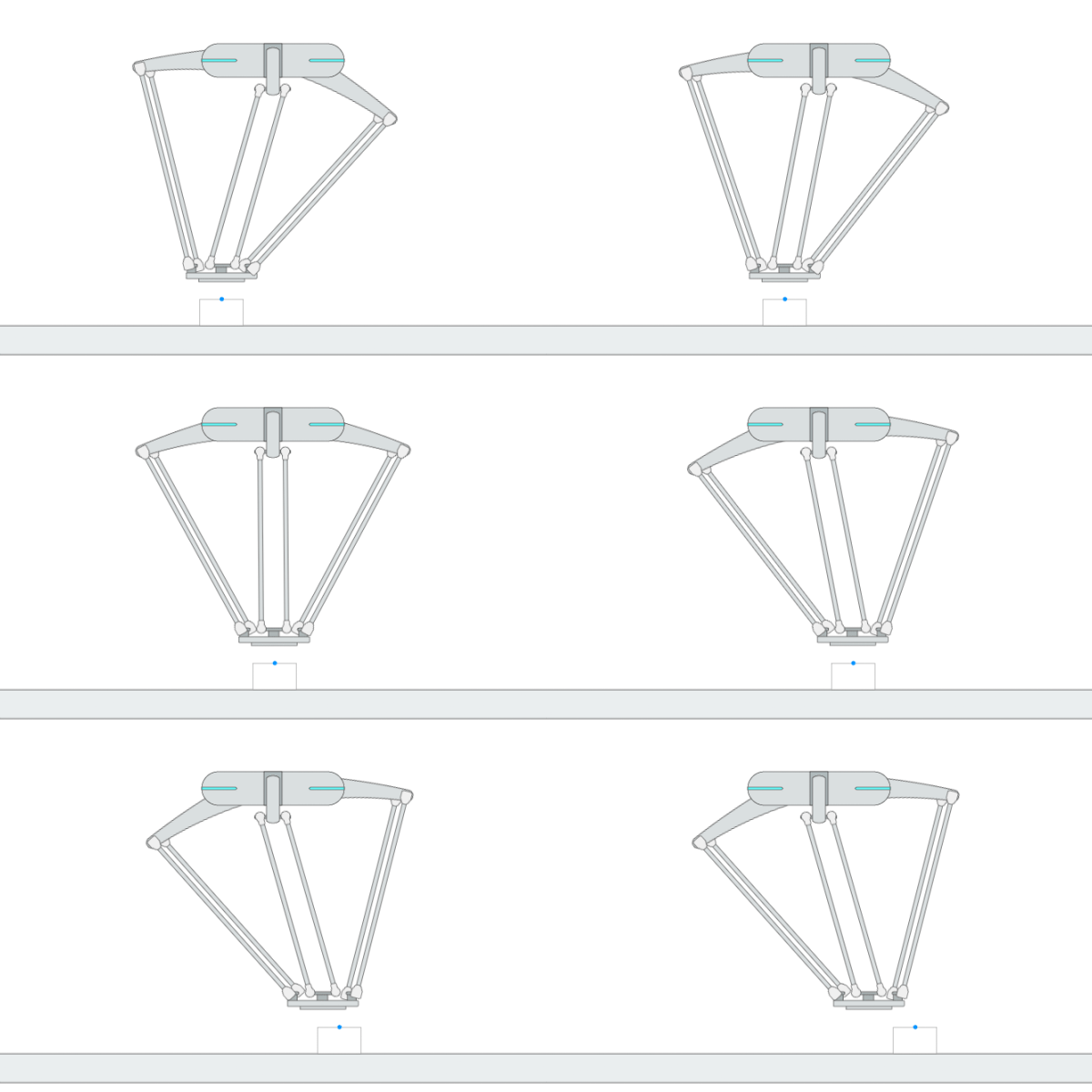
Description: This primitive stops the sync motion of the robot. When the project runs this primitive, the robot will no longer maintain synchronized motion with the workpiece.
Example Usage: Use this primitive to end the robot’s synchronized motion at the end of the synchronization task. It must be used together with primitive [SyncStart].
Primitive State Parameters
State Parameter |
Description |
Type |
Unit |
|---|---|---|---|
terminated |
Flag to indicate whether the primitive is terminated. It is set to TRUE if the primitive is terminated. |
BOOL |
none |
timePeriod |
The time spent on running the current primitive. |
DOUBLE |
s |
Primitive Output Parameters
Output Parameter |
Description |
Type |
Unit |
|---|---|---|---|
tcpPoseOut |
The TCP pose when the primitive is terminated. It is represented in the world coordinate system. |
COORD |
m-deg |
Default Transition Condition
State Parameter |
Condition |
Value |
|---|---|---|
terminated |
= |
1 |
SyncHold
Primitive Description and Usage
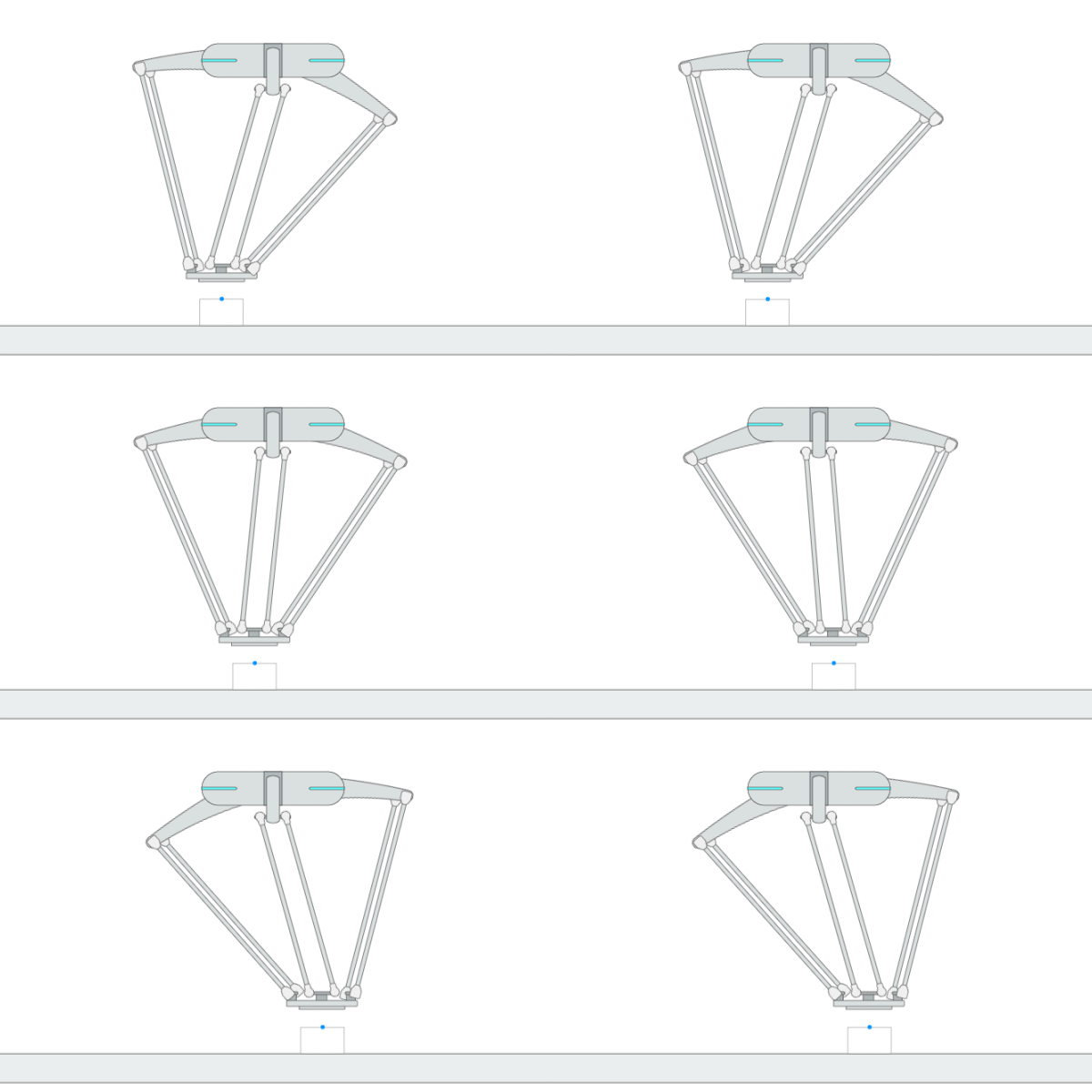
Description: This primitive keeps the robot relatively stationary with respect to the workpiece on the mechanical handling equipment.
Example Usage: Use this primitive to put the robot in a standby state in the synchronization task. Note: The primitive [Hold] cannot be used in the synchronization task, and this primitive should be used as an alternative.
Primitive State Parameters
State Parameter |
Description |
Type |
Unit |
|---|---|---|---|
terminated |
Flag to indicate whether the primitive is terminated. It is set to TRUE if the primitive is terminated. |
BOOL |
none |
timePeriod |
The time spent on running the current primitive. |
DOUBLE |
s |
Primitive Output Parameters
Output Parameter |
Description |
Type |
Unit |
|---|---|---|---|
tcpPoseOut |
The TCP pose when the primitive is terminated. It is represented in the world coordinate system. |
COORD |
m-deg |
Default Transition Condition
State Parameter |
Condition |
Value |
|---|---|---|
timePeriod |
> |
1.0 |
SyncSwitch
Primitive Description and Usage
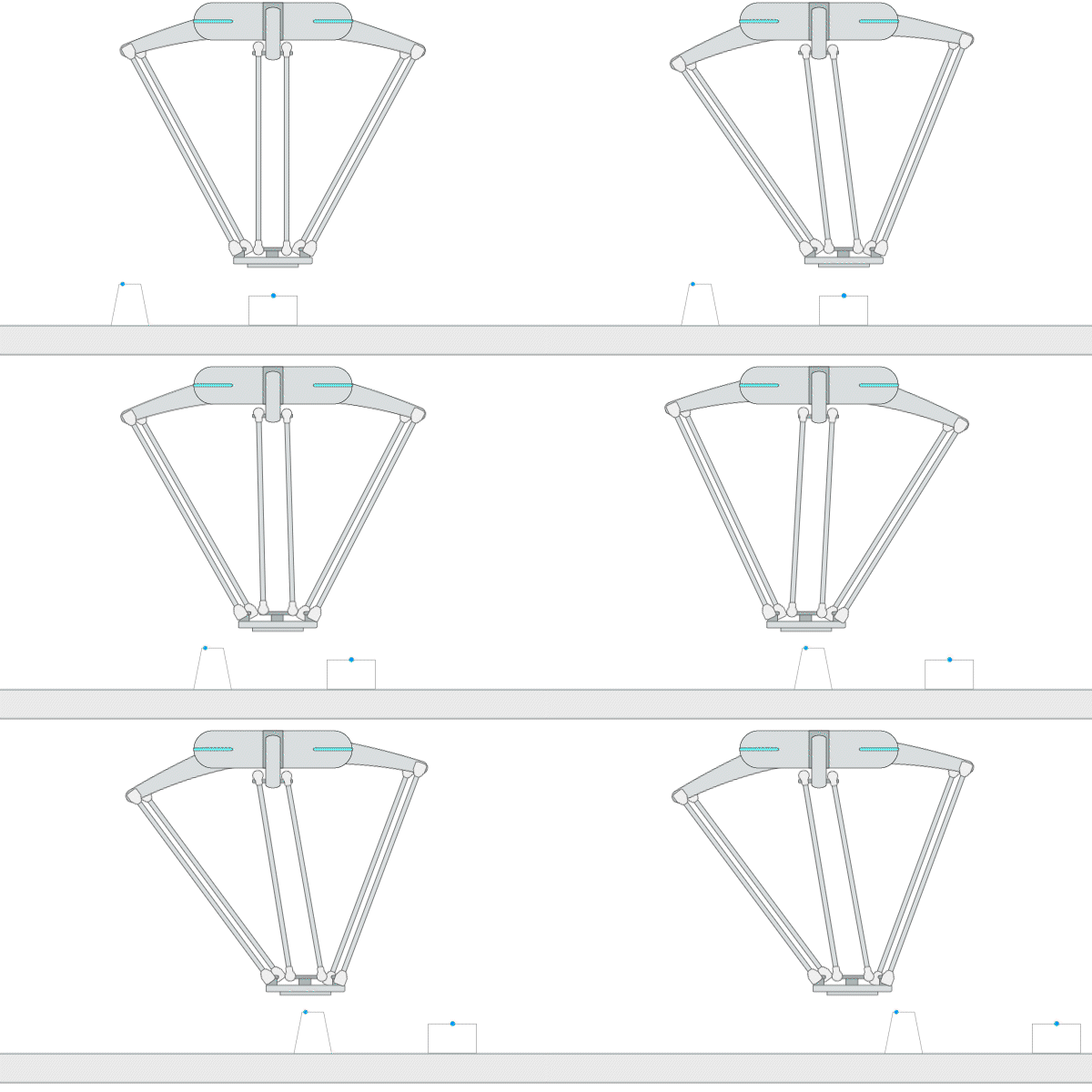
Description: This primitive is used to switch the teach coordinate system of the workpiece during the synchronized movement.
Example Usage: 1. Use this primitive to switch the teach coordinate system of a workpiece when the workpiece is too long and requires multiple coordinate systems. 2. Use this primitive to switch to the appropriate teach coordinate system for a workpiece when the queue contains multiple types of workpieces.
Primitive Input Parameters
Input Parameter |
Description |
Type |
Unit |
Default Value & Range |
|---|---|---|---|---|
teachCoord* |
The reference coordinate system in which the workpiece is located during teaching |
COORD |
m-deg |
[world*] |
teachCoordCorrMode |
Correction mode for the conveyor teaching coordinate system. 0: Do not correct the value of [teachCoord]; 1: Correct the value of [teachCoord] based on the parameter [teachCoordVS]. |
INT |
none |
0 ∈ [0 … 1] |
teachCoordVS |
Position of the target object’s corresponding teaching coordinate system relative to the robot flange. Used to correct the value of [teachCoord] via visual servoing during the synchronized movement. |
POSE |
mm-deg |
0 0 0 0 0 0 |
*Parameters marked with an asterisk must be assigned a value prior to executing the primitive.
*Coordinate System Definition
Coordinate |
Definition |
Value Format |
|---|---|---|
world |
WORLD coordinate system, which is a fixed Cartesian coordinate system located at the center of the robot base |
X Y Z Rx Ry Rz WORLD WORLD_ORIGIN |
work |
WORK coordinate system, which defines the position of the workpiece relative to the WORLD coordinate system |
X Y Z Rx Ry Rz WORK WorkCoordName |
tcp |
TCP coordinate system, which is located at the Tool Center Point relative to the center of robot flange |
X Y Z Rx Ry Rz TCP ONLINE |
tcp_start |
The fixed coordinate system which is located at the initial TCP pose of the primitive |
X Y Z Rx Ry Rz TCP START |
traj_start |
The offset of a waypoint relative to the initial TCP pose in the TCP coordinate system |
X Y Z Rx Ry Rz TRAJ START |
traj_goal |
The offset of a waypoint relative to the target TCP pose in the TCP coordinate system |
X Y Z Rx Ry Rz TRAJ GOAL |
traj_prev |
The offset of a waypoint relative to the previous waypoint in the TCP coordinate system |
X Y Z Rx Ry Rz TRAJ PREVIOUSWAYPOINT |
You can use the simplified value format above to describe a waypoint, while the complete description of a Cartesian waypoint is: X Y Z Rx Ry Rz ReferenceCoordinate A1 A2 A3 A4 A5 A6 A7 E1 E2 E3 E4 E5 E6. A1 to A7 are the preferred joint positions of the robot; E1 to E6 are the target positions of external axes. The additional data can be added if necessary.
Add “:” to separate the waypoints. For example: 0.2 0 0.3 0 180 0 WORLD WORLD_ORIGIN : 0.2 0.1 0.3 0 180 0 WORLD WORLD_ORIGIN.
Primitive State Parameters
State Parameter |
Description |
Type |
Unit |
|---|---|---|---|
terminated |
Flag to indicate whether the primitive is terminated. It is set to TRUE if the primitive is terminated. |
BOOL |
none |
timePeriod |
The time spent on running the current primitive. |
DOUBLE |
s |
Primitive Output Parameters
Output Parameter |
Description |
Type |
Unit |
|---|---|---|---|
tcpPoseOut |
The TCP pose when the primitive is terminated. It is represented in the world coordinate system. |
COORD |
m-deg |
Default Transition Condition
State Parameter |
Condition |
Value |
|---|---|---|
timePeriod |
> |
0.0 |